
-
Cart
No items added to cart
Subtotal {{ currencyFormat( getSubtotal() ) }}Continue -
Sign In/Register
This guide walks you through finding your business, choosing a plan and finishing your listing. If your business is already on RoatanYP, you claim it. If it is not, you add it.
Sign up with your name and email. You will get a confirmation code by email. Enter it to confirm your address.
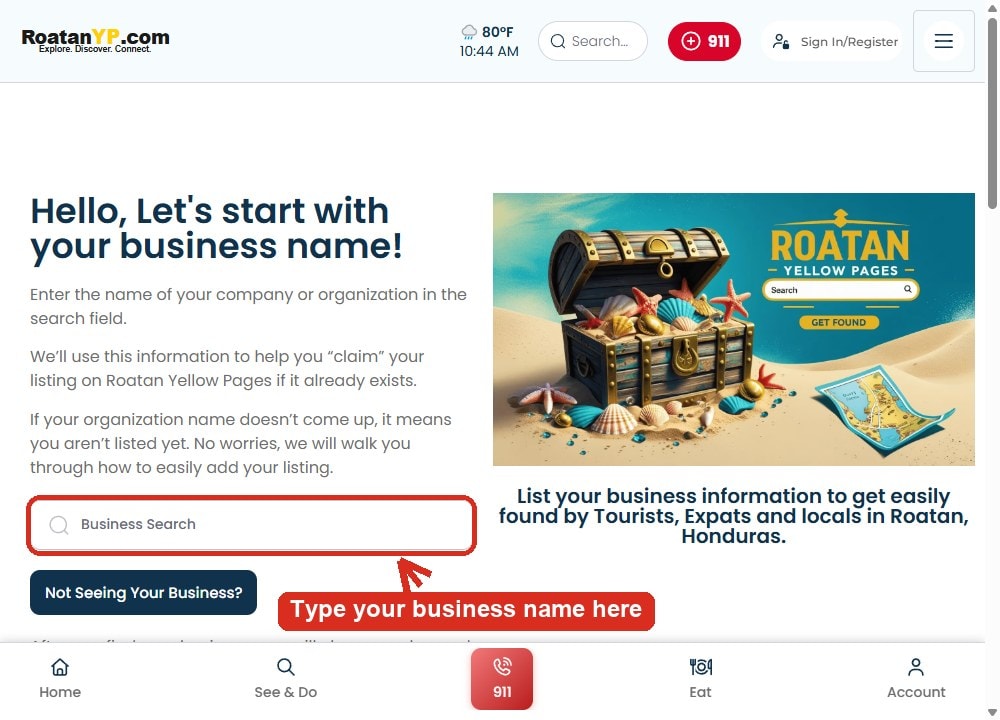
Open the Claim page and type your business name in the search box. If it appears, select it. If it does not appear, your business is not listed yet and the page will walk you through adding it.
Pick the plan that fits your business on the listing plans page. Starter is the lowest price. Standard adds the verified badge, a website button and WhatsApp chat. Pro and Elite add priority placement and more photos. You can change plans later.
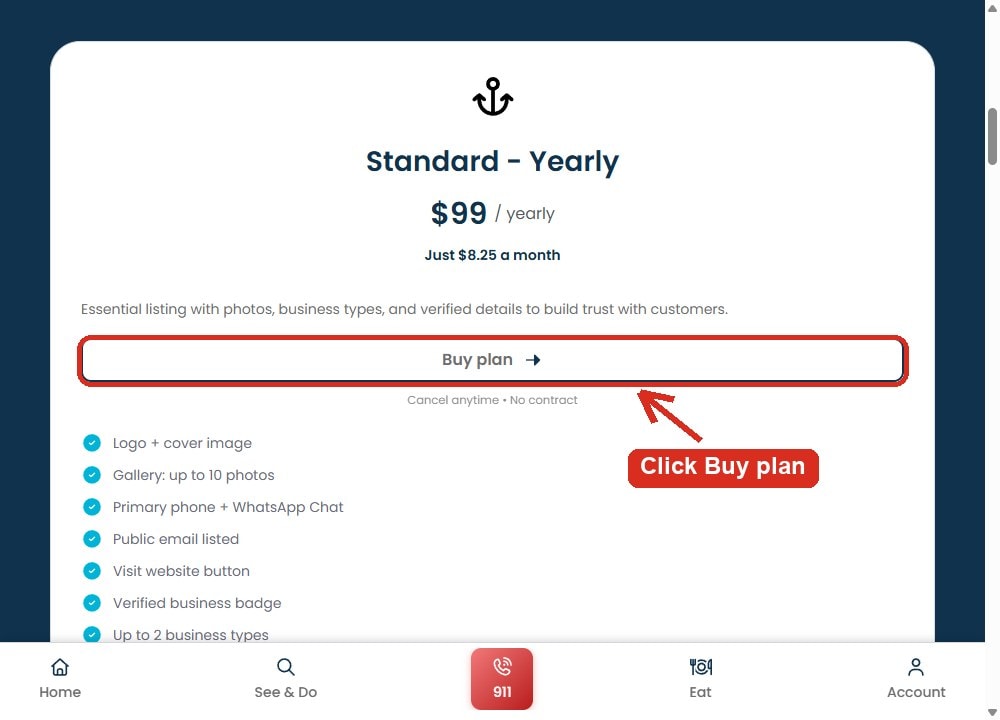
Payment is handled by Stripe. We never see or store your card number.
Add your logo, cover image, photos, phone number, hours and a short description. Submit when you are done. Your listing goes live after a quick review.
Sign in any time and open My listings to edit your business, see your views and check your plan and renewal date.
Message us on WhatsApp and we will help you finish.